

LAB RECORD / J-005 / COMPUTE BASE
What this setup established
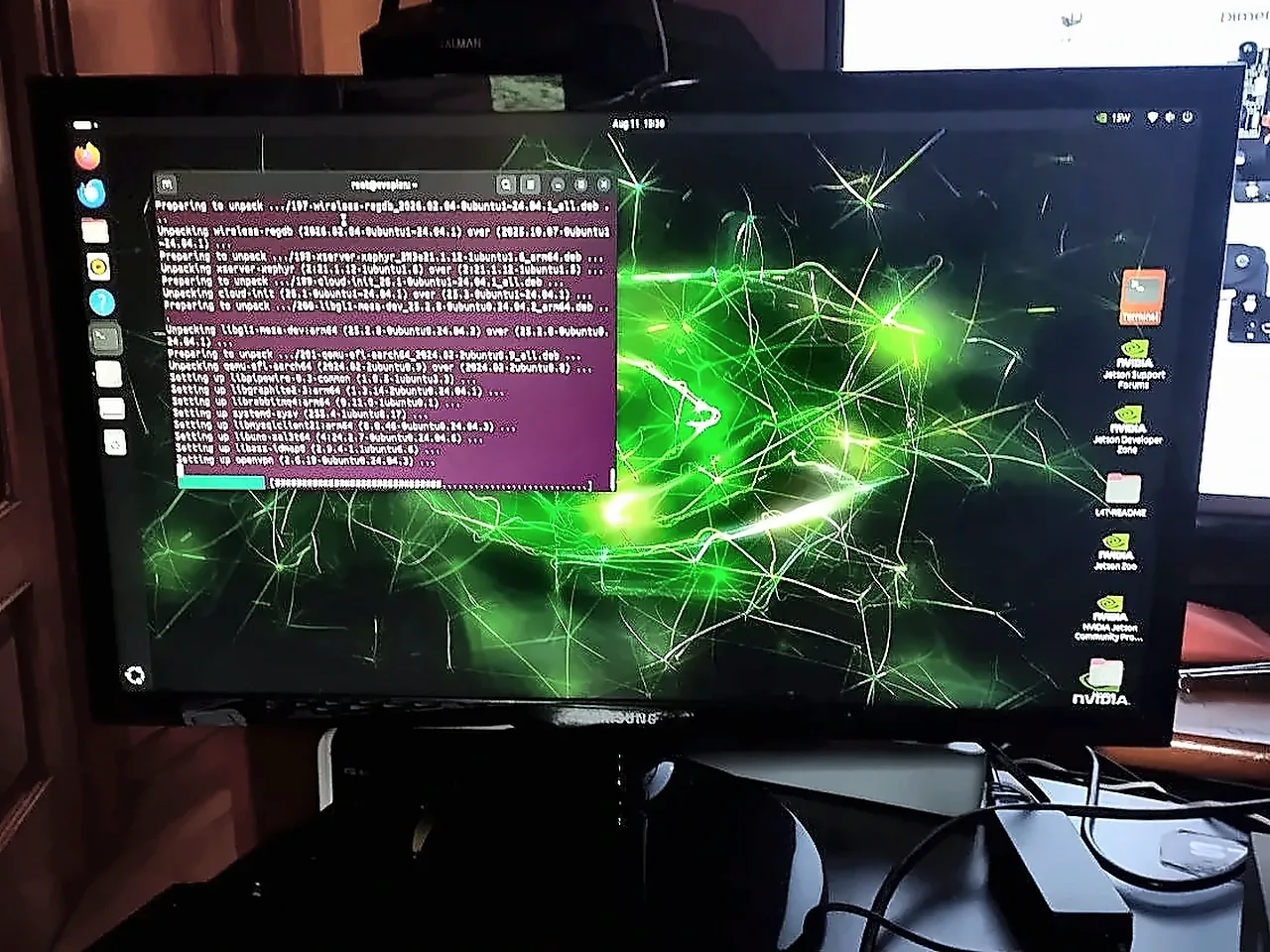
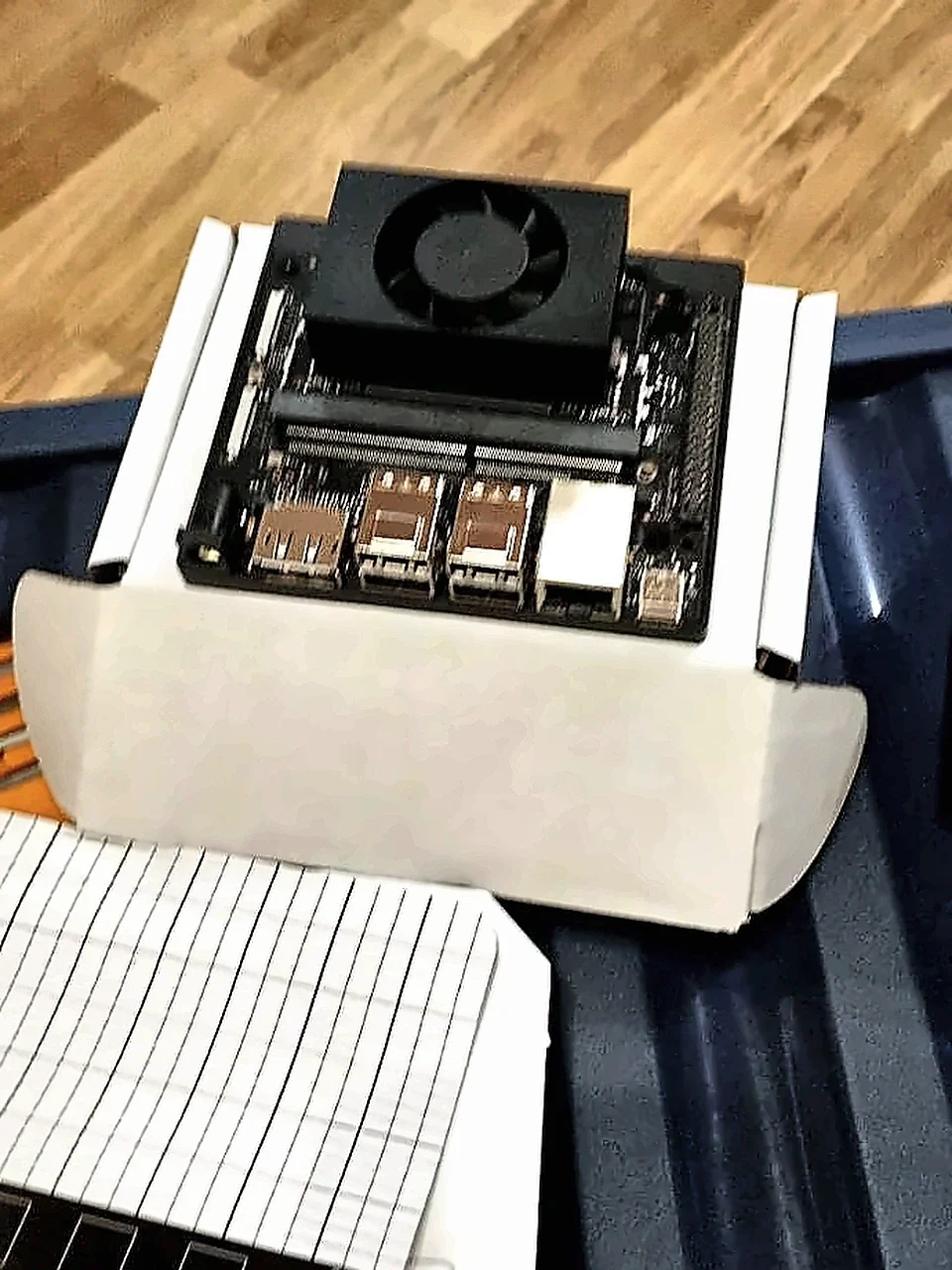
The first Evopien compute platform is now a working monitor-attached Jetson workstation. The official JetPack 7.2 ISO installed Ubuntu 24.04 and Jetson Linux 39.2 to the internal NVMe drive. This is the base for voice, vision, identity, and later head control work.
CLAIM BOUNDARYA running workstation is evidence of platform setup. It is not evidence of an integrated head, Milestone M1, or autonomous physical capability.
Recorded configuration
The reproducible system snapshot
- Compute
- NVIDIA Jetson Orin Nano Super Developer Kit, 8 GB
- Operating stack
- JetPack 7.2 · Jetson Linux r39.2 · Ubuntu 24.04
- Storage target
- 1 TB NVMe SSD installed on the developer kit
- Install route
- Official unified JetPack ISO written to a USB flash drive
- First interface
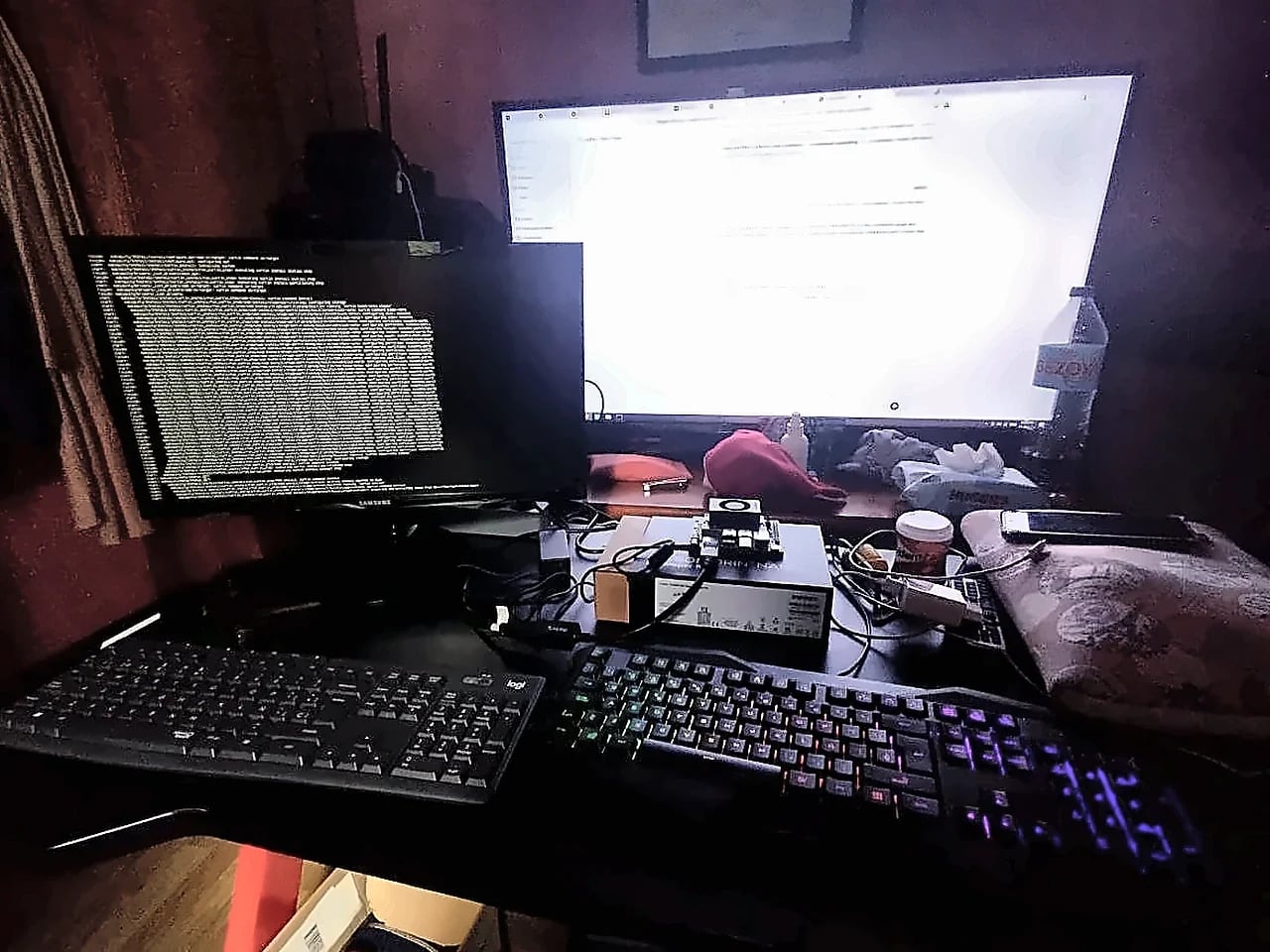
- Monitor, wireless keyboard and mouse, local Ubuntu desktop
- Next peripherals
- ReSpeaker XVF3800 USB microphone array, speaker output, and camera
Installation route
ISO to NVMe, step by step
This was the direct-device route introduced for JetPack 7.2. It did not require SDK Manager on a second Ubuntu computer for the successful pass.
- Download the official JetPack 7.2 ISO
Use NVIDIA's JetPack download page and verify that the release states Jetson Linux 39.2 and support for Jetson Orin.
- Create the USB installer
Write the ISO to a sufficiently large USB flash drive. The exact writer utility used during this first pass was not recorded, so this log does not claim one.
- Install the NVMe drive and connect the workstation
The 1 TB NVMe was already mounted. Display, keyboard, mouse, network, and the 65 W centre-positive supply were connected before boot.
- Boot the USB entry from UEFI
Select the JetPack installer. When the QSPI firmware capsule update is offered, accept it and allow the board to reboot before continuing.
- Select the internal NVMe target
Choose the NVMe device, complete the Ubuntu installer, create the local user, and remove the USB drive when the installer requests it.
- Finish first boot and package setup
Reach the Ubuntu desktop, connect networking, complete the NVIDIA package pass, reboot, and then capture the system-validation outputs below.
Official references: JetPack downloads and Jetson Linux r39.2 release notes.
Failure record / First attempt
The Ubuntu boot entry initially returned to a shell.
The first ISO attempt showed an Ubuntu entry but did not reach the expected graphical installer. Selecting it returned to the same shell-like screen. The display path had also required troubleshooting before the installer became usable.
The successful pass completed the r39.2 firmware update and repeated the ISO-to-NVMe installation until Ubuntu reached the desktop. The exact root cause of the first stall was not captured, so this record does not invent one. Future failure logs will preserve the screen, command, firmware state, and corrective action at the time they occur.
Post-install verification
Capture the environment before integrating the head.
The first setup photographed successful boot and package activity, but it did not preserve every command output. The following commands are now the required reproducibility block for the next update.
cat /etc/nv_tegra_release
uname -a
lsb_release -a
lsblk -o NAME,SIZE,FSTYPE,MOUNTPOINTS,MODEL
dpkg-query -W nvidia-jetpack
nvcc --version
python3 --version
nvpmodel -q
tegrastats
docker --versionObserved and photographed
Workstation running from the installed system
JetPack 7.2 / Jetson Linux r39.2
Record nvcc and package output
Version and runtime smoke test required
Verify nvpmodel reports the intended Orin Nano Super modes
Next hardware step
Next hardware step